 Arkavo
Compose your broadcast
Combine screen capture, camera, and audio. Switch scenes as your show moves from starting soon to live.
Arkavo Creator · Mac
Bring your screen, camera, and audio together. Go live on Twitch or save a recording from one native Mac app.
Available on the Mac App Store · Apple Silicon · macOS 26 or later
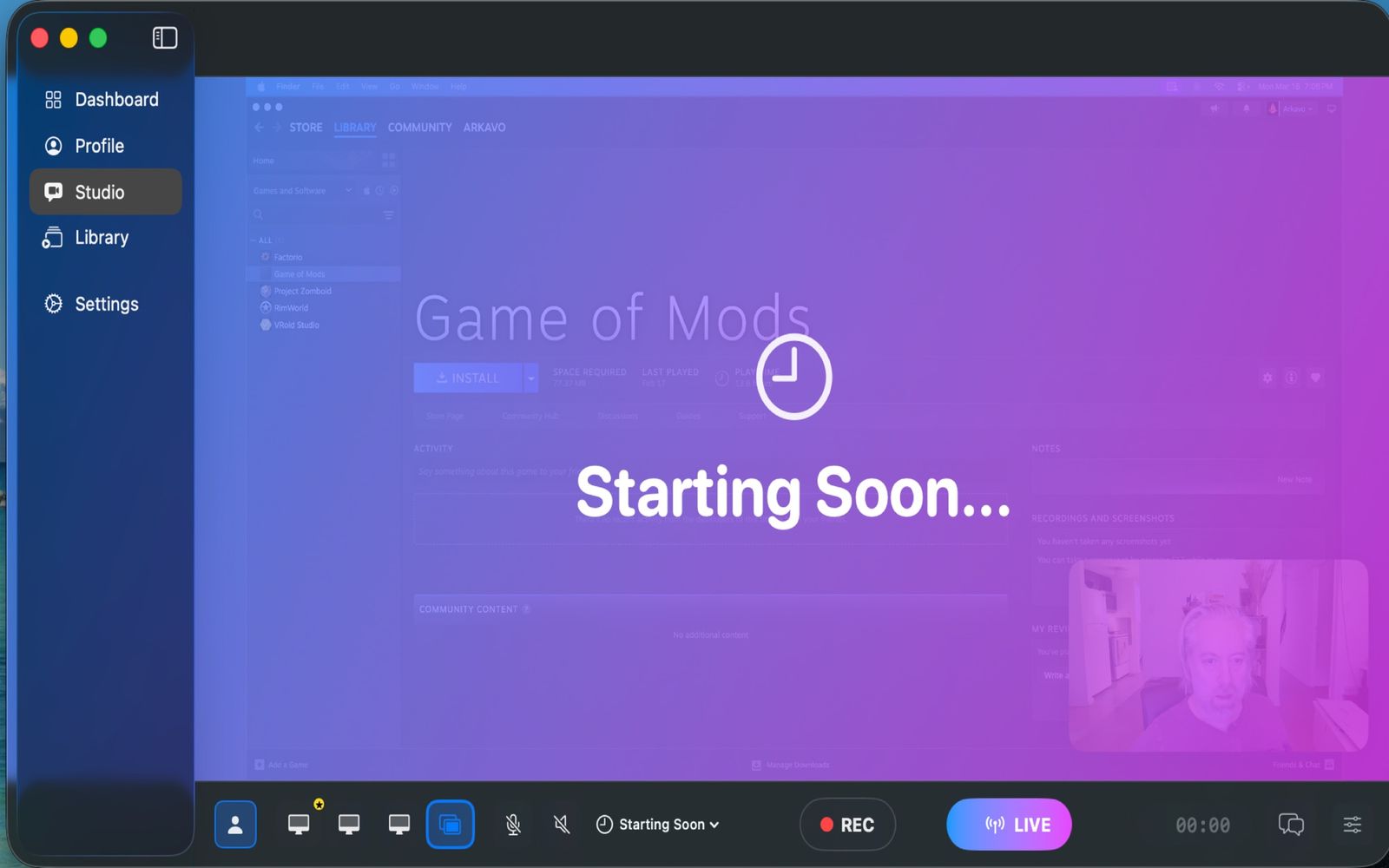
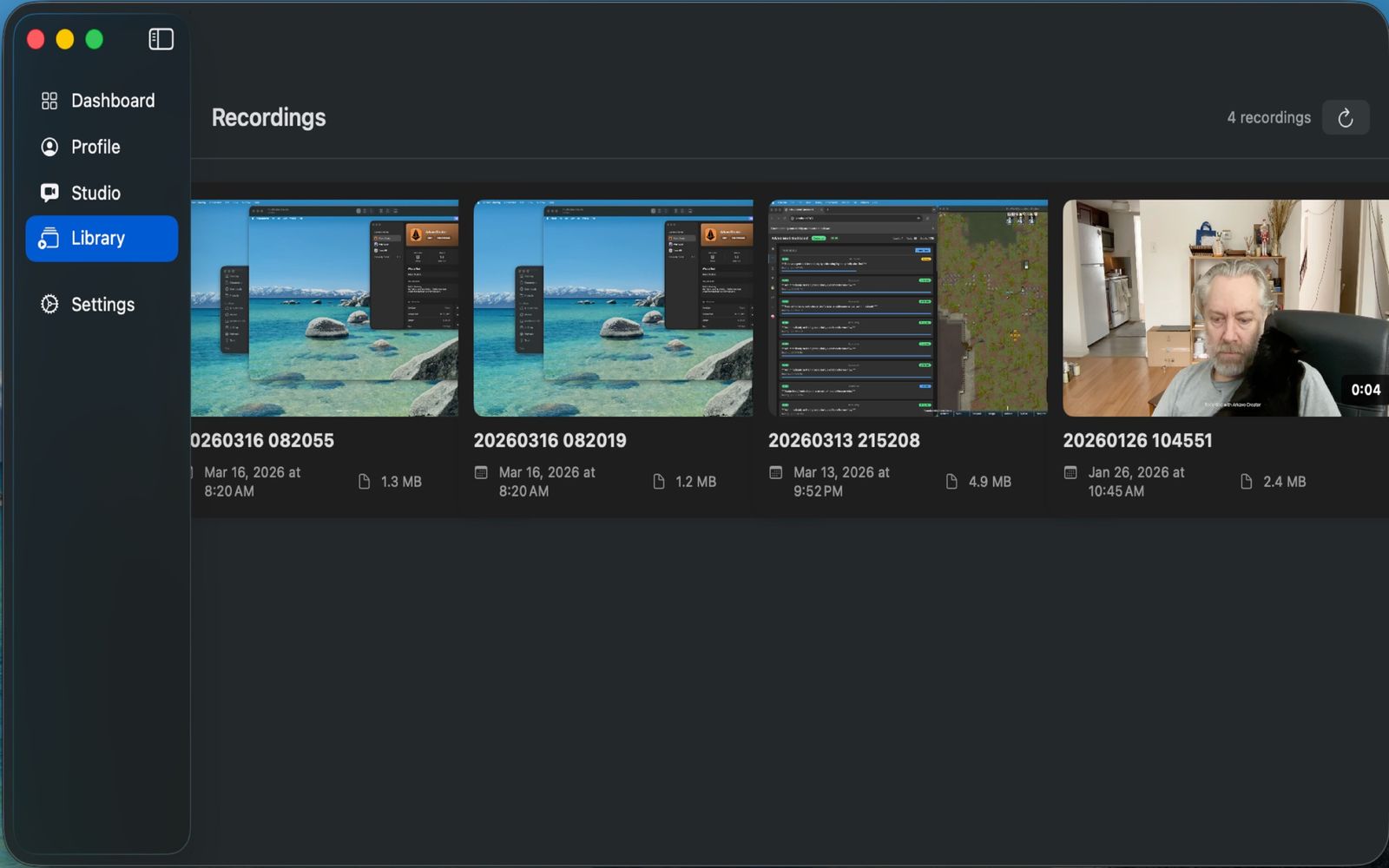
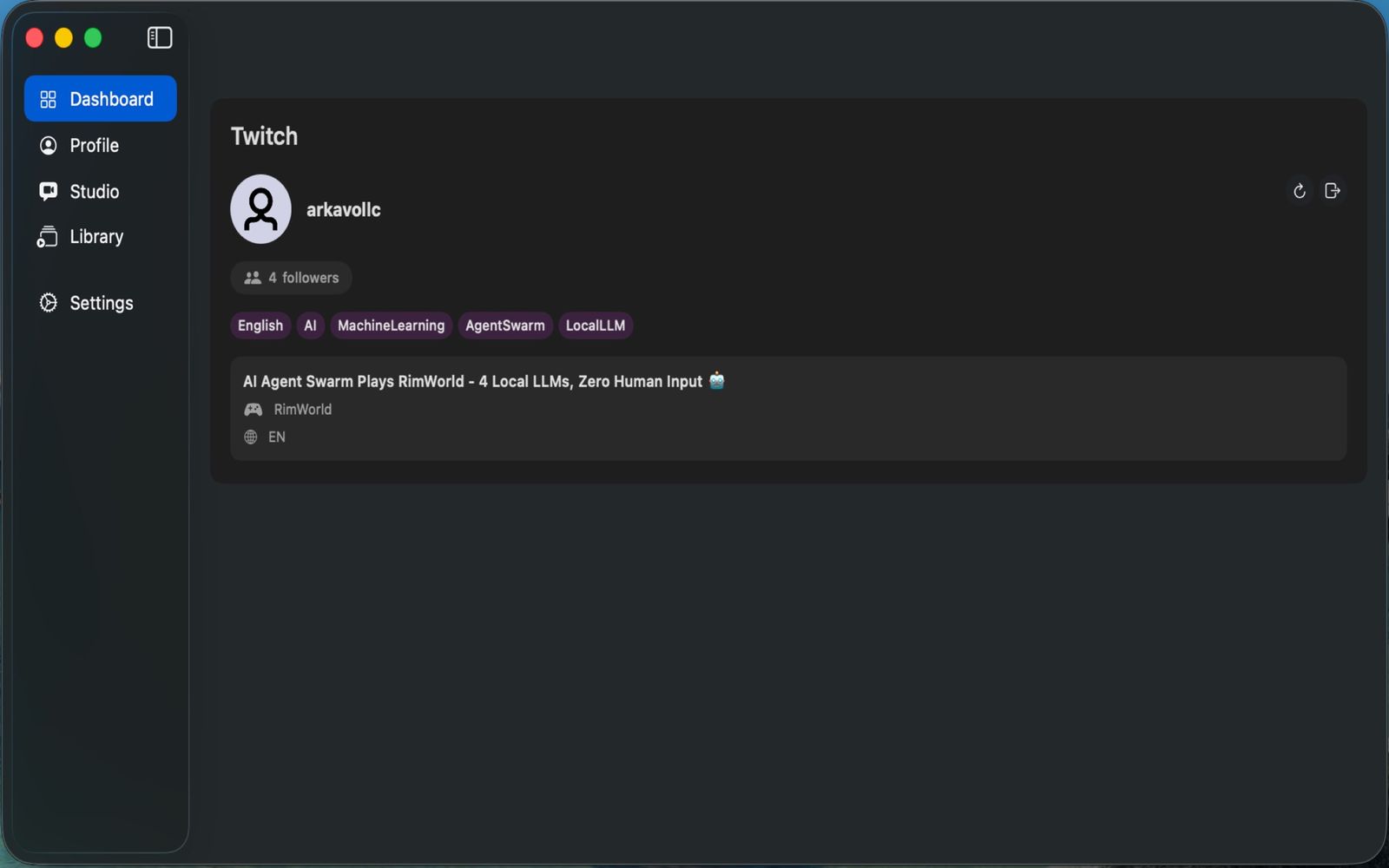
Combine screen capture, camera, and audio. Switch scenes as your show moves from starting soon to live.
Connect Twitch, manage your stream details, and follow chat alongside your broadcast. Custom RTMP endpoints are also supported.
Record to disk, with pause and resume controls, for the work you want to keep.
Choose your screen and microphone, make a short test recording, then play it back to check framing and sound before your first broadcast.
A Mac with Apple M1 or later and macOS 26 or later. Streaming requires a connection to your chosen service; Twitch features require a Twitch account.
Recording and streaming are different workflows. Going live sends your selected video and audio to Twitch or your configured RTMP service.
Check the current store listing for compatibility and release details.