 Arkavo
Rooms
Capture walls, doors, and furniture with RoomPlan.
Arkavo Spatial · iPhone & iPad
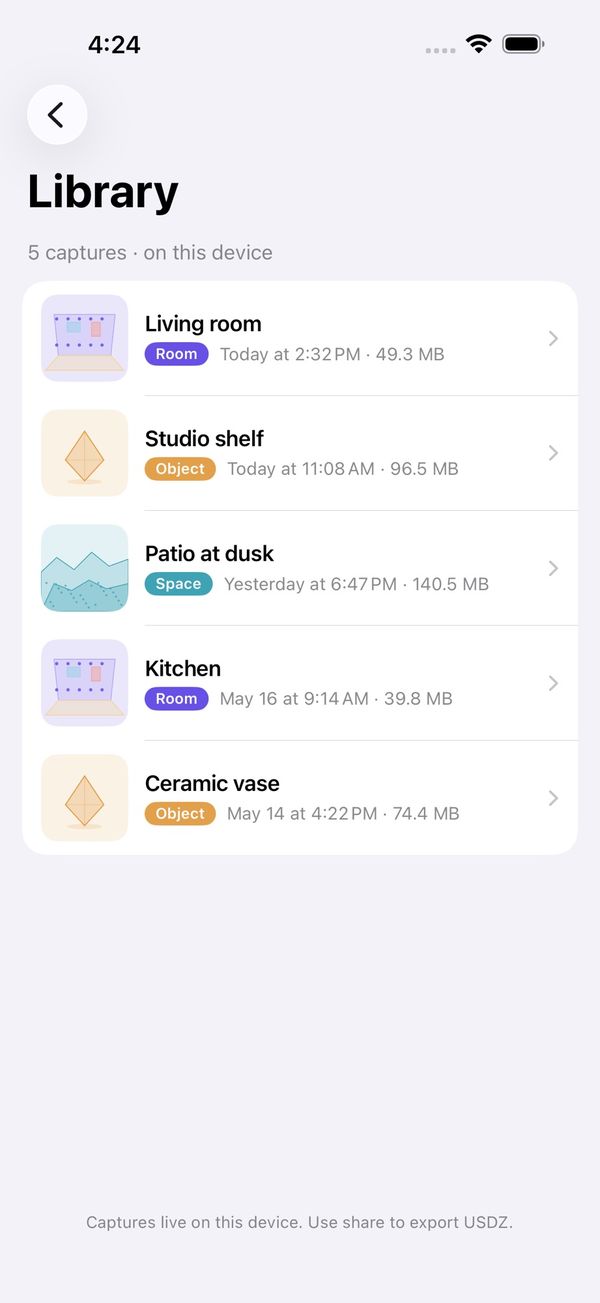
Scan a room, space, or object. Keep the capture on your device and export a 3D asset when you are ready.
Free on the App Store · iOS / iPadOS 26 or later · LiDAR required

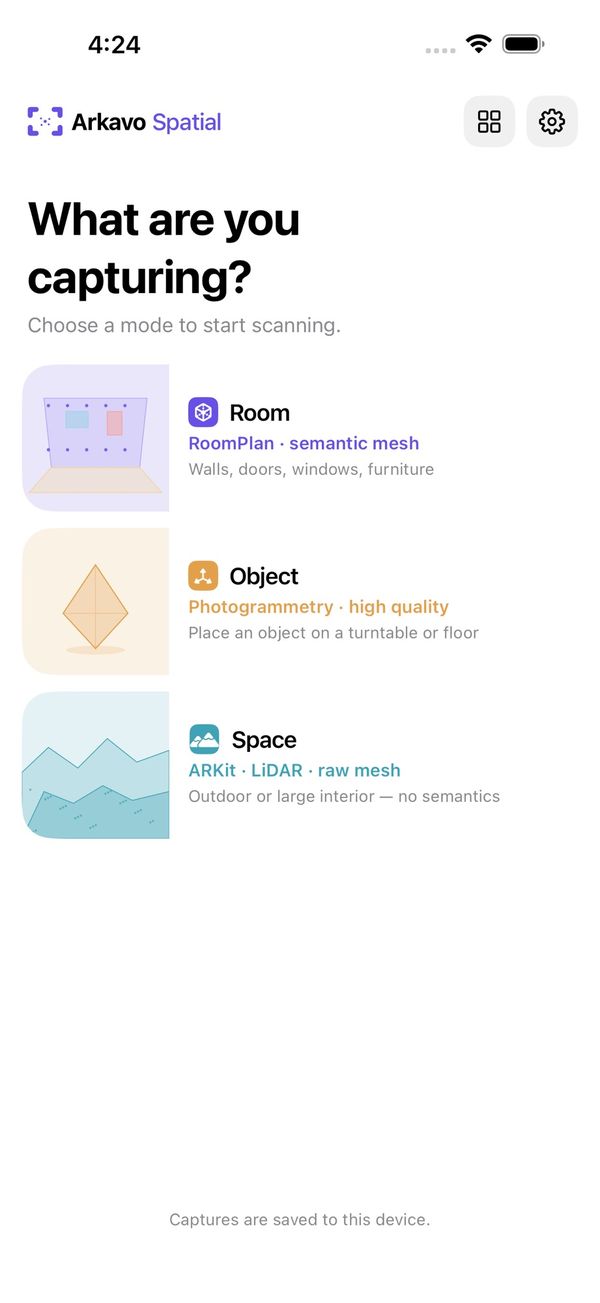
Capture walls, doors, and furniture with RoomPlan.
Capture surrounding geometry with ARKit and LiDAR.
Walk around an object to create a model with on-device photogrammetry.
| Format | A place to start |
|---|---|
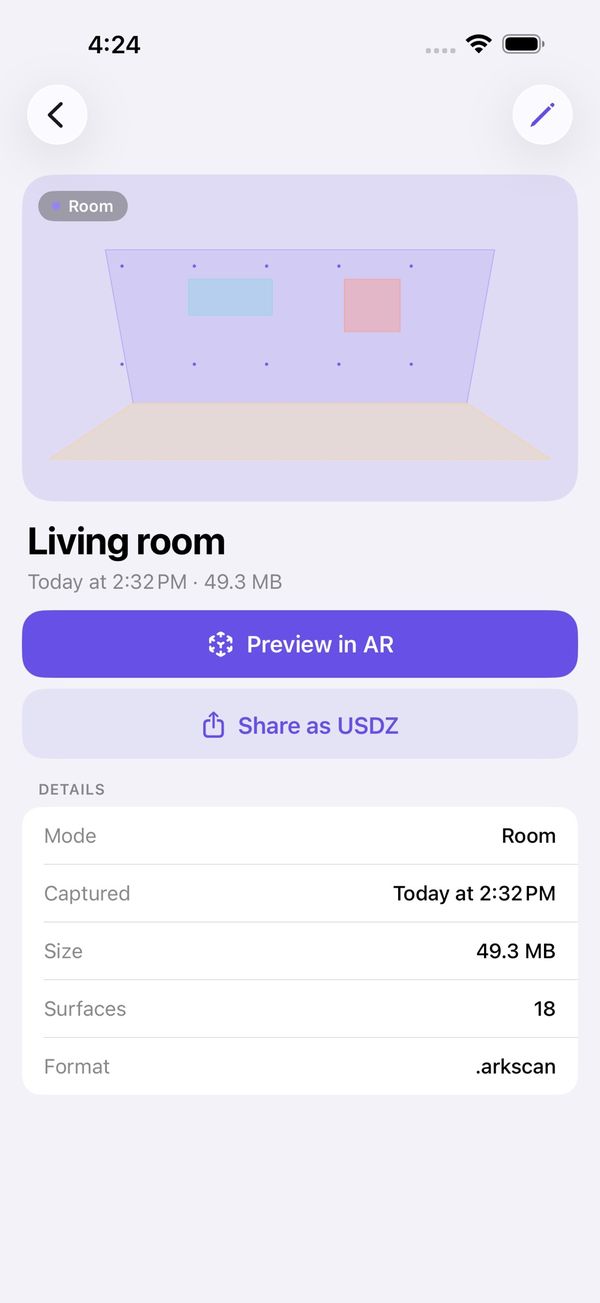
| USDZ | Preview your capture in Apple AR Quick Look. |
| glTF | Export for a web or game-engine workflow that accepts glTF. |
| OBJ | Export geometry for a compatible 3D modeling app. |
Check the importing application’s format support for your intended workflow.
Requires iOS or iPadOS 26 or later and LiDAR hardware: a supported iPhone Pro with LiDAR (iPhone 12 Pro or later), or iPad Pro with LiDAR (2020 or later). Object capture also requires an A14 chip or later.
Your first task: capture one small space, export as USDZ, and open the result in AR Quick Look.
Scans stay on your device until you export or share them. No account is required; the app’s store listing declares no data collection.